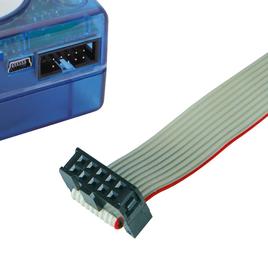
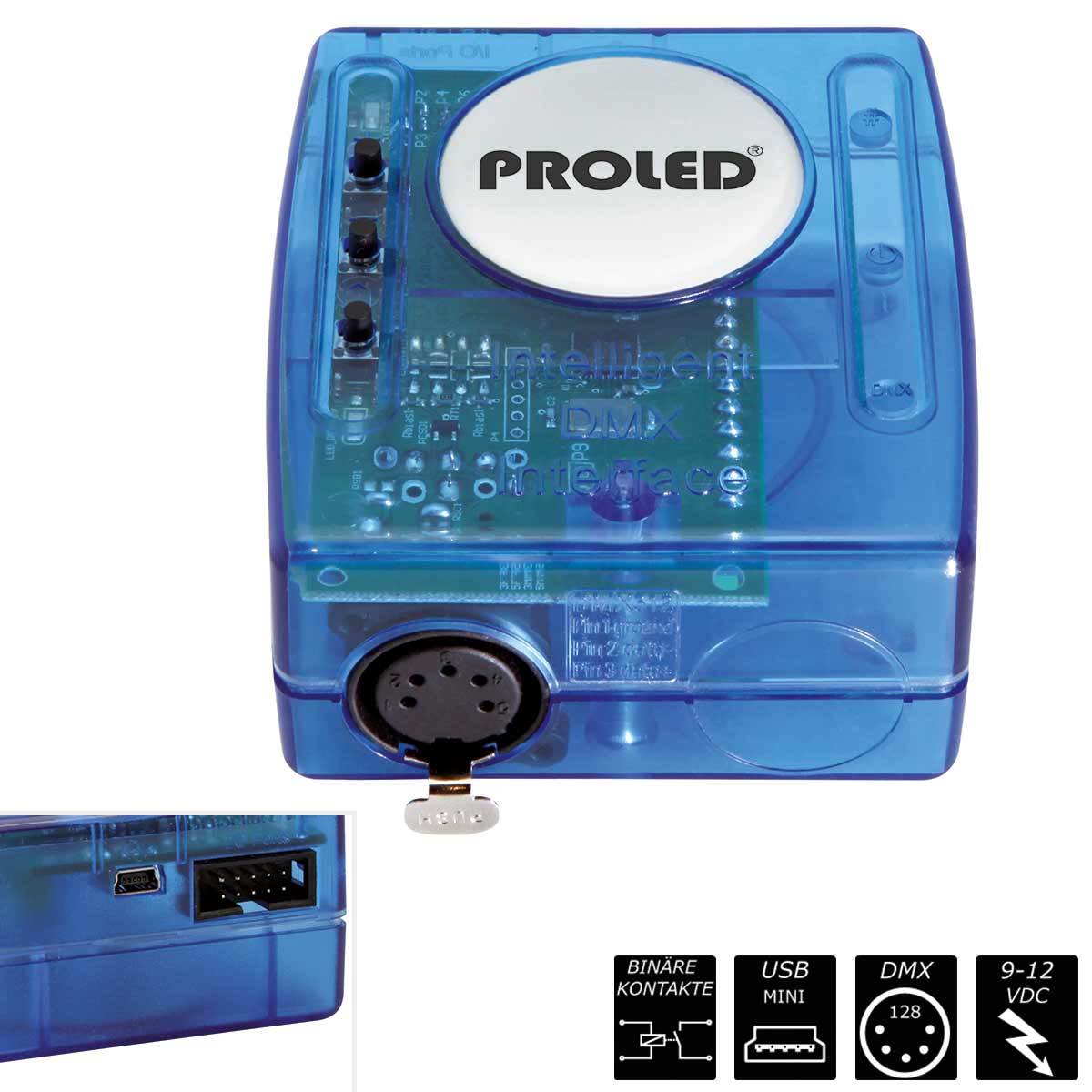
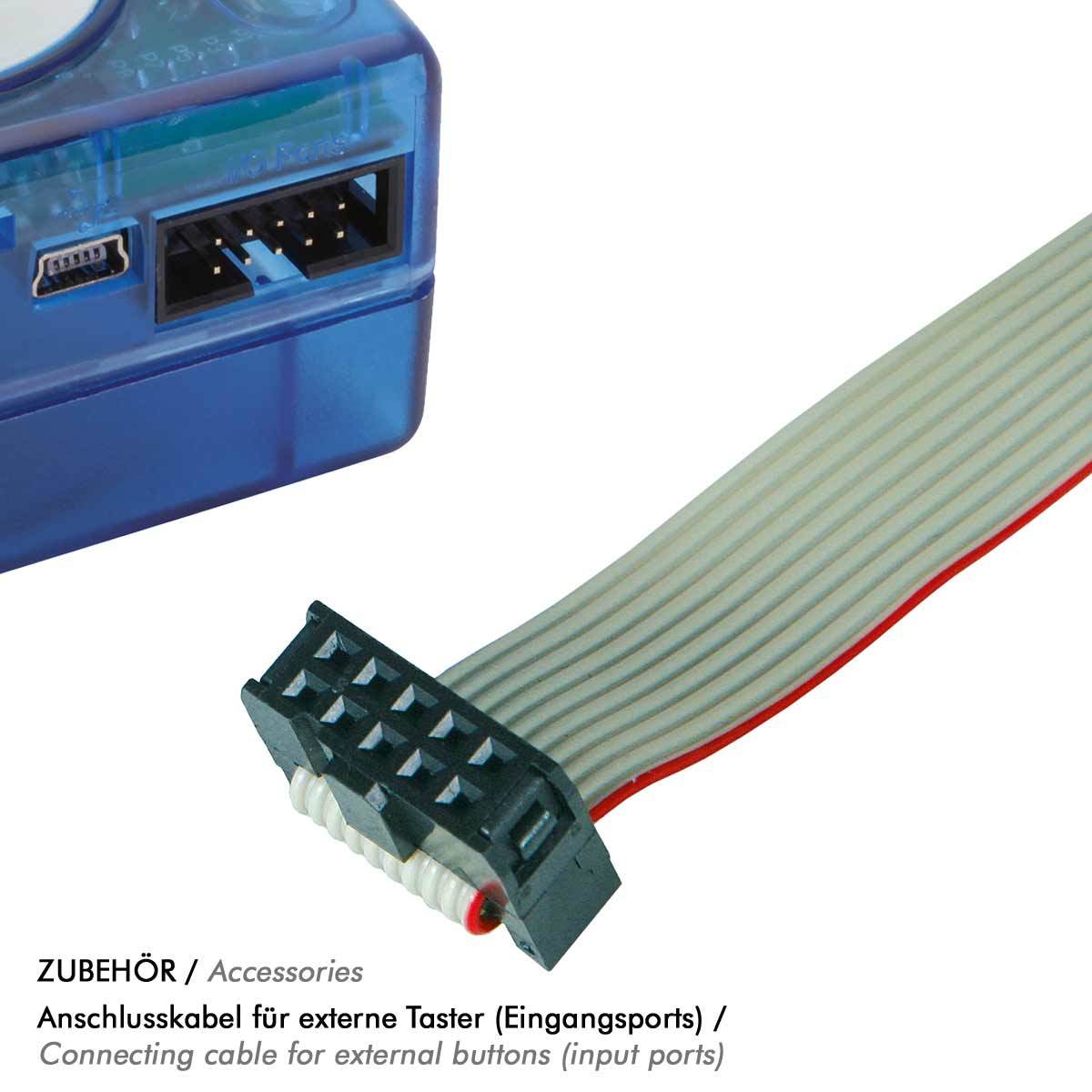
STAND ALONE CONTROLLER ECO, programmable via le logiciel fourni, connexion mini-USB, 128 canaux DMX via XLR 5 broches, connexion de boutons externes (8x) via un câble en option, capacité de mémoire avec 20 canaux : 329 pas, avec 60 canaux : 117 pas, unité d'alimentation incluse
The MBNLED Stand Alone DMX Controller (by Sunlite) consists of the USB – DMX 512 Interface and the software. The controller can be used as sophisticated lighting controller or after downloading the sequences from computer to the interface as stand alone controller without computer. Create lighting programs quite easy and quickly – load it into the interface – ready.
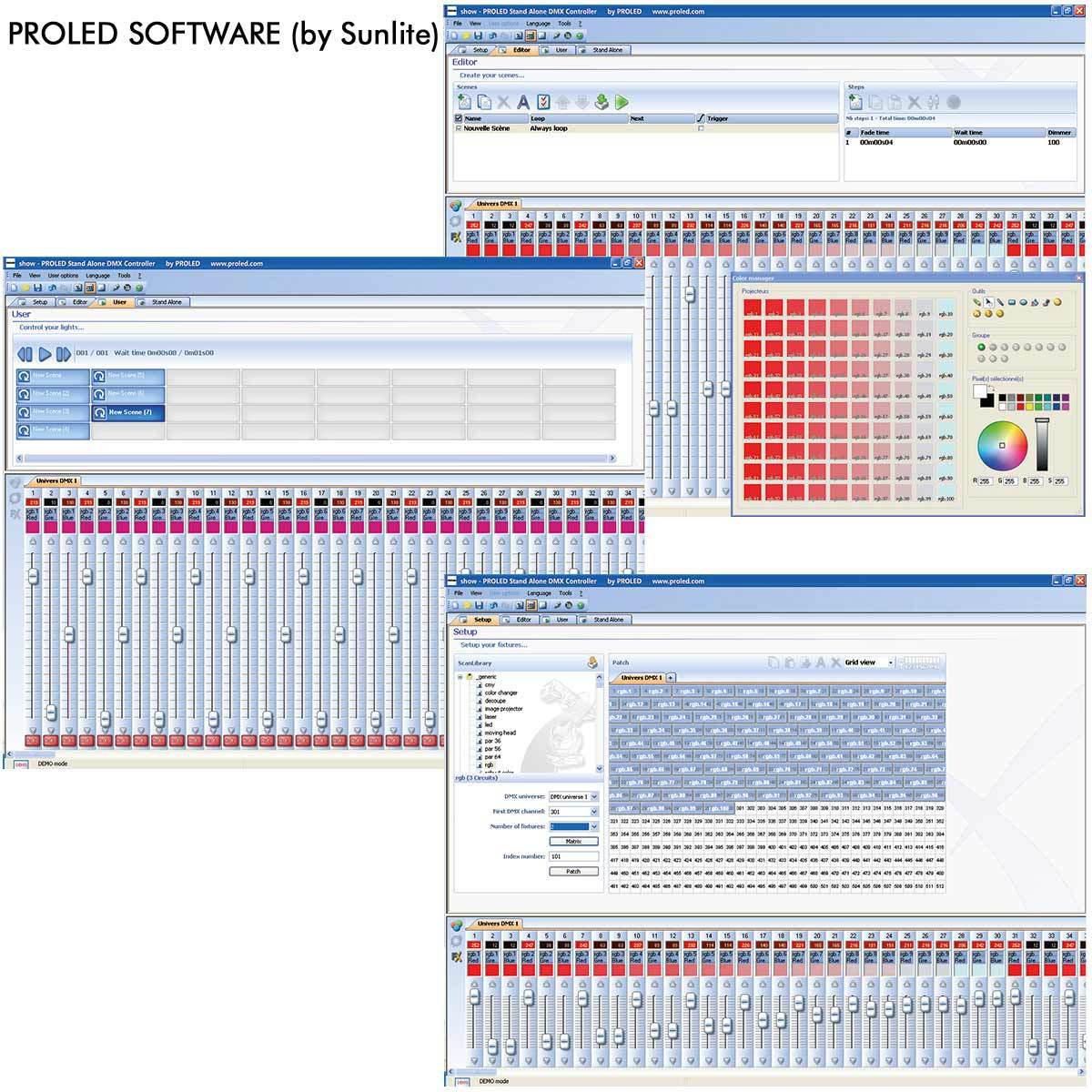
The MBNLED Software (by Sunlite) was designed for users with a main emphasis on user friendliness. Besides the very simple operation and the remarkable price the MBN Stand Alone Controller offers multiple advantages and introduces the entry to architectural lighting.
Channel allocation The channel allocation is performed just with a few mouse clicks. The software uses the world wide known and convenient Sunlite ScanLibrary. With this continuously extended library of DMX devices (besides architectural lighting also a great number of moving heads, scanners, colour changers etc.) you are well advised for the following years. The ScanLibrary editor is included and allows to create your own DMX devices within minutes.
Creating scenes The creation of scenes doesn't have to be hard detail work! In every scene you can define steps and loop modes. Each step has an individually selectable fade and wait time. You can define, how often a scene is repeated and to witch scene shall be jumped after the last repetition.
Livemode via computer If you like to control your lights by a computer, you can launch your scenes with a mouse click or keyboard. While you see the faders performing the previously created scenes you can of course override the control manually at every time (either in HTP or LTP mode).
Stand Alone without computer If you like to control your lights completely autonomous without a computer, you can transfer the created scenes to the box within seconds. The transferred scenes can then be launched with the ''next'' or ''previous'' buttons at the standard version or with external connected buttons at the ECO and standard version.
Ce site Web utilise des cookies pour personnaliser le contenu et les publicités, pour pouvoir offrir des fonctions pour les médias sociaux et analyser l'accès à ce site Web. En outre, des informations sur votre utilisation de ce site Web sont partagées avec des partenaires à des fins de médias sociaux, de publicité et d'analyse. Ces partenaires peuvent combiner ces informations avec d'autres données que vous leur avez fournies ou qu'ils ont collectées dans le cadre de votre utilisation des services.